
Ruoca Audio Ruoca Audio

How to Choose the Best Wireless Microphone in 2026?

Time:2026-09-30 Author:Isabella
0%

In 2026, choosing the best wireless microphone means matching the equipment to how and where you will use it. A Wireless Microphone for a presenter may not suit a filmmaker, musician, or remote interviewer. The right choice depends on voice quality, transmission stability, battery life, and a receiver that works with your camera, phone, or computer. Small details matter. A loose connector or awkward clip can become more distracting than a modest difference in audio specifications.

Start with your recording setup. Consider whether you need a handheld, lavalier, or headset microphone, and check which devices each system supports. A lavalier can stay discreet on a shirt collar, while a handheld microphone is easier to pass between speakers. For creators working outdoors, wind protection and reliable range deserve attention. Indoors, nearby wireless equipment and room echo can affect results. A quoted operating range is not a guarantee; walls, movement, and interference may reduce it. Test in the place you plan to record.

Price alone tells little. Compare microphone sound, monitoring options, charging method, included accessories, and the cost of replacement parts. Reviews can help, but test conditions differ, and one person’s clear audio may sound thin on your setup. No model fits everyone. This guide will explain the key features, common trade-offs, and practical checks that help narrow your options. It will also point out where specifications leave questions unanswered, because choosing well sometimes means admitting that the “best” pick still has compromises.
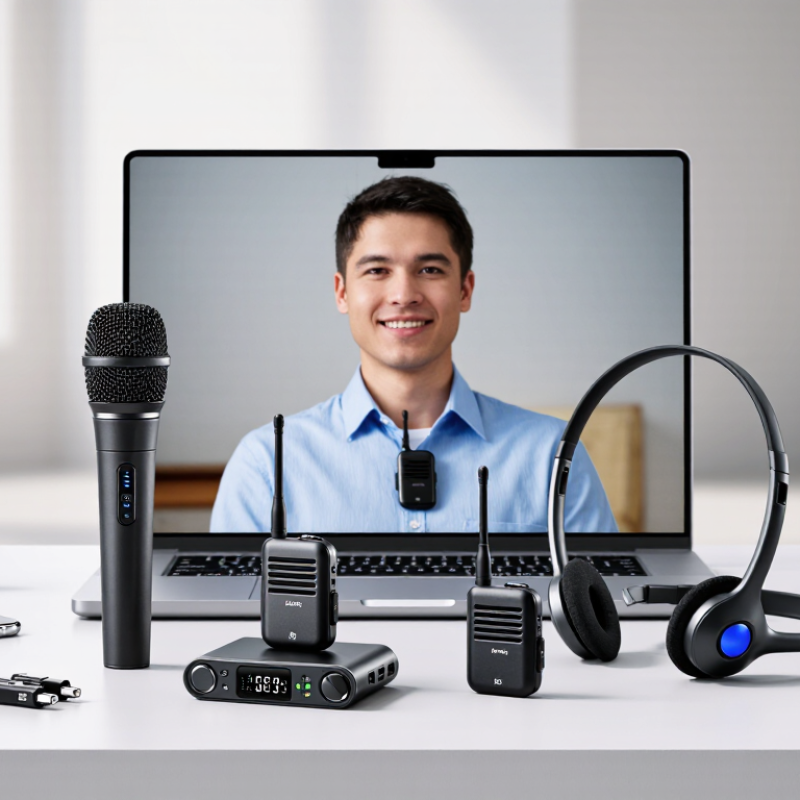
How to Choose the Best Wireless Microphone in 2026?

Define Your Recording Needs and Operating Environment

Choosing a wireless microphone begins with your recording purpose, not a feature list. A quiet bedroom, crowded conference room, and windy outdoor trail demand different solutions. For interviews, prioritize clear speech and stable transmission across the working distance. For singing, check vocal range, handling noise, and whether the receiver preserves natural dynamics. Know your source.

Walk through the actual recording space before buying equipment. Measure the distance between the speaker and receiver, then note walls, metal surfaces, and nearby wireless devices. Concrete walls can weaken signals, while reflective rooms may make speech sound harsh. Outdoor work adds wind, clothing movement, and sudden distance changes. A windscreen helps, but it cannot repair poor microphone placement. That mistake is common.

Choose a system with practical range, secure frequency management, and battery life suited to the longest session. Test it at the location, with people moving and doors closing. Record thirty seconds, then listen through headphones for dropouts, hum, and clipped peaks. In my own tests, simple setups often outperform complicated ones when time is limited. Still, that experience is not universal; room materials and local signal congestion can change results. Leave room for error.

Compare Wireless Microphone Types and Transmission Bands

Choosing a wireless microphone starts with its transmission band. UHF systems are common in live venues because they offer many frequency options. But usable channels vary by location. Ofcom’s PMSE spectrum guidance identifies 470–694 MHz as shared UHF spectrum for UK production equipment, with local availability and coordination still important. The FCC’s wireless-microphone guidance also advises checking local television-channel use before selecting frequencies. Check the room, not just the box.

For a ballroom, scan from the stage and again near the mixing desk. A clear channel at midday may become crowded when guests arrive with phones and Wi-Fi devices. 2.4 GHz systems are often quick to configure, but they share spectrum with other everyday devices. Walls and busy access points can affect reliability. Small detail. Big difference.

DECT systems use region-specific allocations and can manage channel selection automatically. Digital systems may offer encryption and consistent sound, though latency, battery life, and receiver placement still deserve attention. Analog systems can be simple to troubleshoot, but require careful frequency coordination. Match the system to the venue size, number of microphones, and local spectrum conditions. I would not trust a single quiet-room test; repeat the scan during the actual event setup.

How to Choose a Wireless Microphone in 2026?

Compare common operating bands by the width of their illustrative frequency windows.

Wider frequency windows can offer more room for channel planning, but they do not guarantee more usable channels or better performance. These examples use commonly referenced U.S. ranges: VHF 174–216 MHz, UHF 470–608 MHz, and 2.4 GHz 2400–2483.5 MHz. Local rules, licensing, interference, and available spectrum vary; check the regulations for your location.

Check Device Compatibility, Range, and Battery Requirements

How to Choose the Best Wireless Microphone in 2026?

Check Device Compatibility, Range, and Battery Requirements

Start with the receiver, not the microphone’s feature list. Check whether its output matches your camera’s 3.5 mm input, mixer’s XLR input, or phone’s USB-C connection. A plug may fit but still carry the wrong signal. Confirm that the system supports your device and recording app, and test the full setup before an event.

Range depends on more than the number printed on the box. Walls, bodies, and crowded radio channels can weaken a signal. The FCC identifies 470–608 MHz as a key U.S. TV-band range for wireless microphones, but available frequencies vary by location. Ofcom’s PMSE spectrum review also highlights the need to check local spectrum availability. Walk the actual route with the transmitter, then listen for dropouts. Battery life matters just as much: allow extra time beyond the advertised runtime, especially for long shoots. I’ve learned the hard way that “almost enough” power is not enough.

Tips: Carry a charged spare battery, label it, and check the receiver’s battery indicator before recording. Test with doors closed and the transmitter clipped where it will actually sit.

Evaluate Sound Quality, Reliability, and Interference Resistance

Choosing a wireless microphone starts with the sound you need, not the longest feature list. Listen at speaking distance. Does a quiet voice remain clear without sounding thin or harsh? Test speech, singing, and sudden volume changes if your work includes them. Headphones can reveal hiss, clipped peaks, and room echo that small speakers hide. A natural voice matters more than exaggerated bass. Still, listening in one room is not enough.

Reliability shows up during movement and long sessions. Walk behind a wall, turn your back, and check whether the signal drops or the audio crackles. Then move around. Interference resistance depends on the radio environment, so test where you plan to use the microphone. Nearby wireless devices, crowded venues, and metal surfaces can affect performance. Compare reception at several distances, and note any dropouts rather than trusting a single successful test. Battery life and a secure clip matter, too; a loose connector can spoil otherwise clean audio. I would leave some margin in range claims, because real rooms are messy and specifications rarely capture every obstacle. A brief test beside the actual speakers may expose unwanted feedback.

Match Features and Budget to Your Best-Fit Microphone

Choosing the best wireless microphone in 2026 starts with your actual recording situation, not a feature list. A $100 setup may suit interviews, while stage work demands stronger signal control. Grand View Research estimated the global wireless microphone market at about $2.3 billion in 2023, showing wider adoption across content, events, and production.

Match the microphone to your movement and environment. For a quiet room, prioritize clean voice capture and simple pairing. For outdoor filming, look for wind protection, stable transmission, and replaceable batteries. Multi-person shoots need multiple channels and clear frequency management. The FCC’s wireless microphone guidance also shows why local spectrum rules matter. Check them before buying.

Budget should cover the complete kit, not only the transmitter. Leave room for a receiver, cables, batteries, mounts, and a spare windscreen. A 2024 report from Future Market Insights links market growth with demand for portable, flexible audio systems. That sounds encouraging, but growth does not guarantee better results. I have seen expensive microphones fail when clipped under thick clothing. I have also heard modest systems perform well in controlled rooms. Test handling noise, latency, and battery life with your own camera before committing. Numbers help. Your workflow decides.

FAQS

How should I choose a wireless microphone transmission band?

Match the band to the venue and local frequency conditions. UHF offers many channel options, but availability varies. Check the room, not just the box.

Are 2.4 GHz systems reliable in busy venues?

They can be quick to set up. However, Wi-Fi devices, walls, and crowded access points may affect the signal. Small detail. Big difference.

What is useful about DECT systems?

Some DECT systems manage channel selection automatically. Their frequency allocations vary by region, so check local availability before use.

What should I know about digital and analog systems?

Digital systems may provide encryption and consistent sound, but check latency and battery life. Analog systems can be simple to troubleshoot. Frequency coordination still matters.

How can I check whether a microphone works with my device?

Match the receiver output to your camera, mixer, or phone input. A plug may fit but carry the wrong signal. Test the full setup.

How do I check the microphone’s real-world range?

Walk the actual route with the transmitter clipped where it will sit. Test with doors closed, then listen for dropouts. Do it twice.

Why should I scan frequencies during event setup?

A quiet channel at midday may become crowded later. Scan near the stage and mixing desk, then repeat the test during setup.

How should I prepare for battery limits?

Allow extra time beyond the advertised runtime. Carry a charged spare battery, label it, and check the receiver indicator before recording. “Almost enough” is not enough.

Conclusion

Choosing the best Wireless Microphone in 2026 starts with understanding your recording needs and operating environment. Consider whether you will use it for interviews, presentations, video production, live performances, or online content, and evaluate factors such as indoor or outdoor conditions, movement, background noise, and the number of people speaking. Different microphone designs and transmission bands offer distinct advantages, so compare their audio pickup patterns, operating stability, and suitability for your intended setting.

Before making a decision, confirm compatibility with your camera, phone, computer, or audio system. Check the expected transmission range, battery life, charging method, and whether backup power is practical for extended sessions. Sound clarity, dependable performance, low interference, and secure connections are equally important, especially in crowded wireless environments. Finally, balance essential features with your budget instead of paying for unnecessary functions. The best choice is the microphone that delivers consistent, clear audio while fitting your equipment, workflow, and recording conditions.

Isabella

Isabella

Isabella is a dedicated marketing professional with a sharp focus on driving brand growth and engagement through strategic content creation. With an extensive background in digital marketing, she combines her passion for storytelling with her keen understanding of industry trends to deliver......